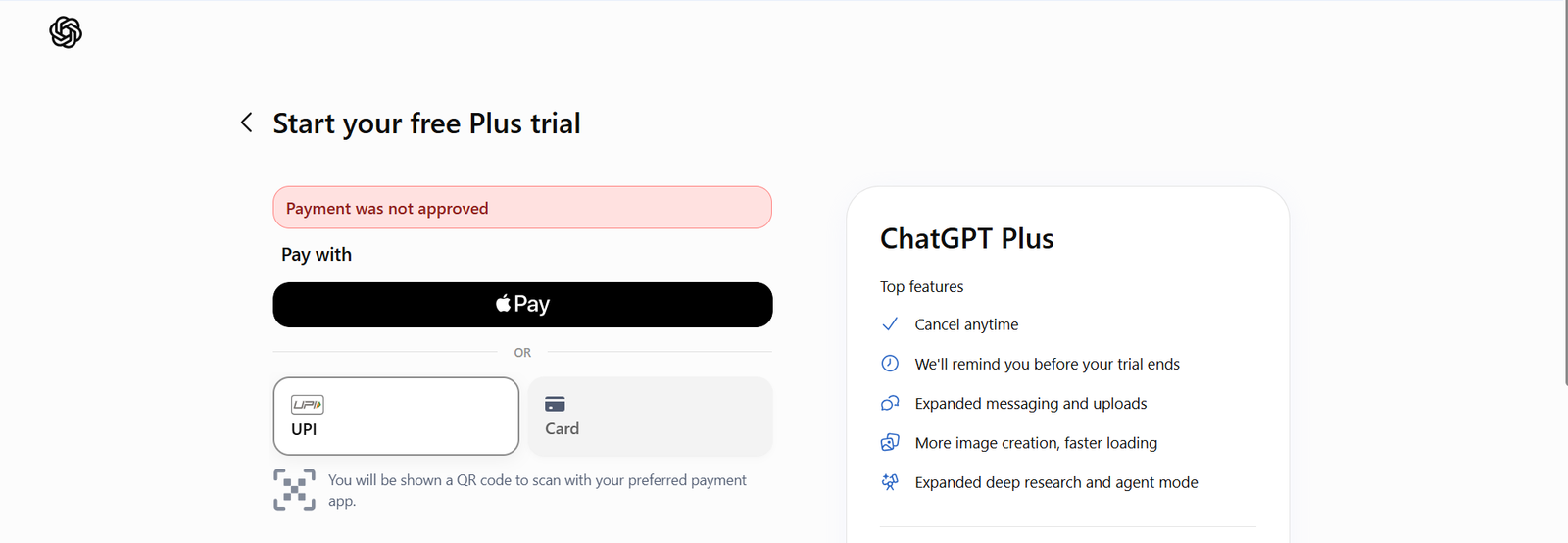
I have recently been offered the chance to claim ChatGPT Plus free of charge for a limited time. Yet when I tried to redeem it, I received the 'Payment was not approved' error.
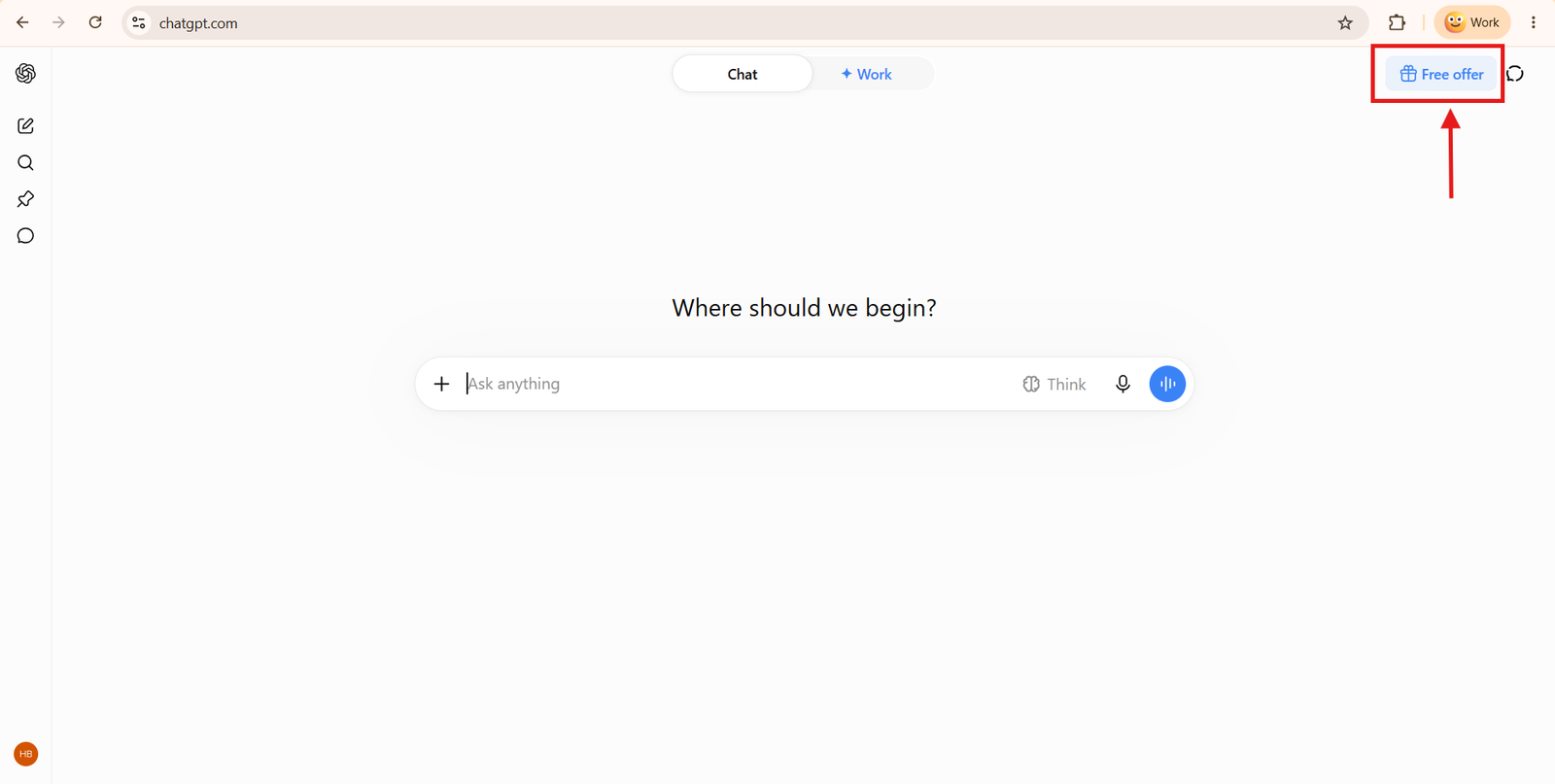
If you see the Free offer button, you can redeem ChatGPT Plus for free for a month. Once you click that button, you'll be redirected to the plans screen, where you can see all the plans.
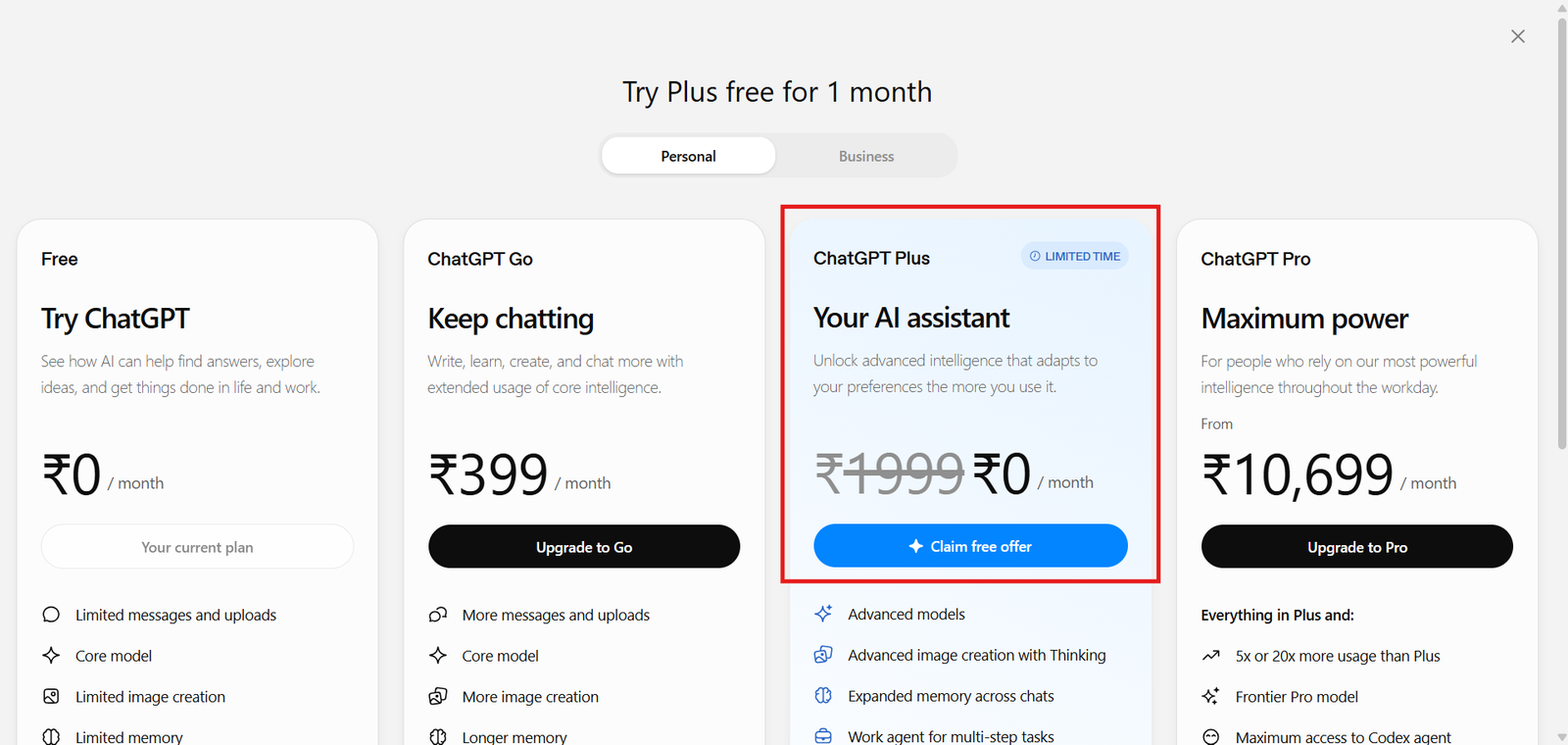
On this screen, you can see the ChatGPT Plus plan is free, and it says "Claim offer for free." But when you click that button, you're redirected to the payment screen. As an Indian user, I see UPI and card options to make a payment. See the image below.
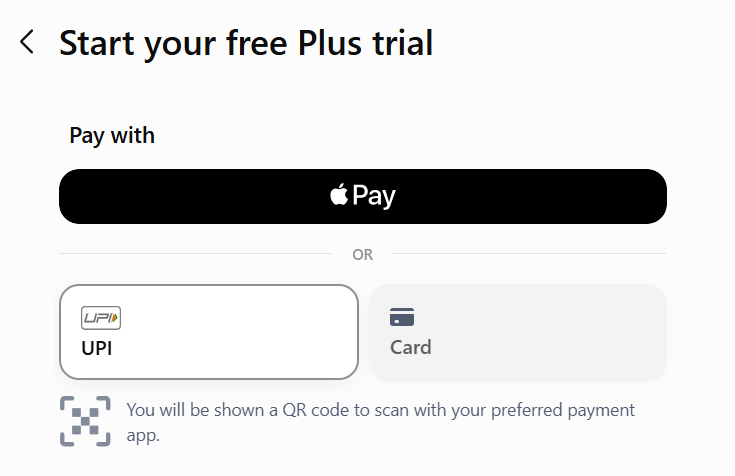
I selected UPI and filled in my details, but unfortunately it was saying "Payment was not approved".
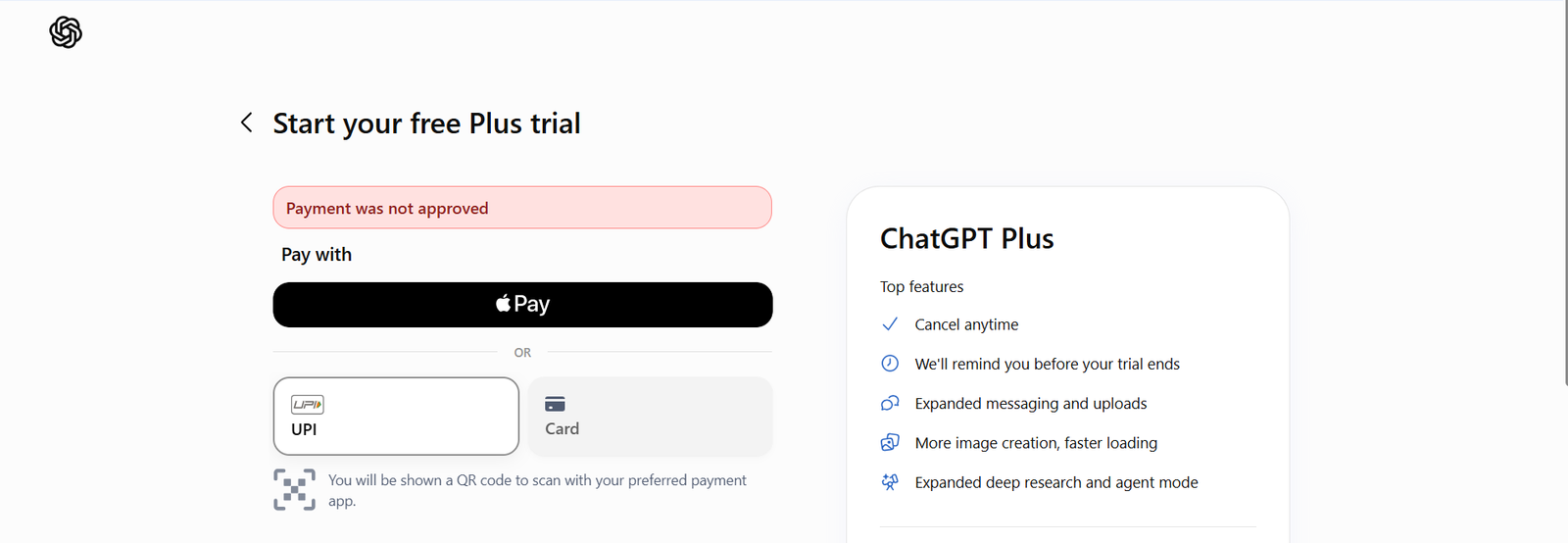
I fixed the “Payment was not approved” error by choosing the card payment option instead of UPI and entering my card details. It worked successfully for me.
If your card payment doesn’t work either, make sure international transactions are enabled on your card. You can usually turn this on through your bank’s mobile app. Also, check your card's international transaction limit and increase it if needed.
This is how I got rid of the “Payment was not approved” error while claiming the ChatGPT Plus offer. Follow the same steps, and hopefully it will solve the issue for you as well.
Conclusion
If you’re also seeing the ‘Payment was not approved’ error while claiming the free ChatGPT Plus offer, you can use a card and check that your international transaction details are correct in your banking app.